
iPhone finance app

Receipts, bills, reports, assets, and shared ledgers in one calmer iPhone workflow.

Monely helps you scan receipts, import PDFs and screenshots, track recurring bills, review focused reports and forecasts, manage assets in your preferred currency, and collaborate across personal, family, or team ledgers without turning finance into a spreadsheet.

  • AI-assisted receipt logging
  • Photo and PDF import
  • Recurring bills
  • Reports and forecasts
  • Asset tracking
  • Shared ledgers
Capture from the real sources you already use.

Paper receipts, saved photos, screenshots, and PDFs all fit into the same intake flow.

Open the report that matches the money question.

Monthly totals, category comparisons, forecasts, and data quality views stay separated and readable.

Keep assets beside spending.

Portfolio value, allocation, and price freshness live in the same iPhone workspace.

Share a ledger without losing control.

Families and teams can collaborate while roles, context, and timeline views remain clear.

Receipt capture

Bring receipts into Monely from the source you already have.

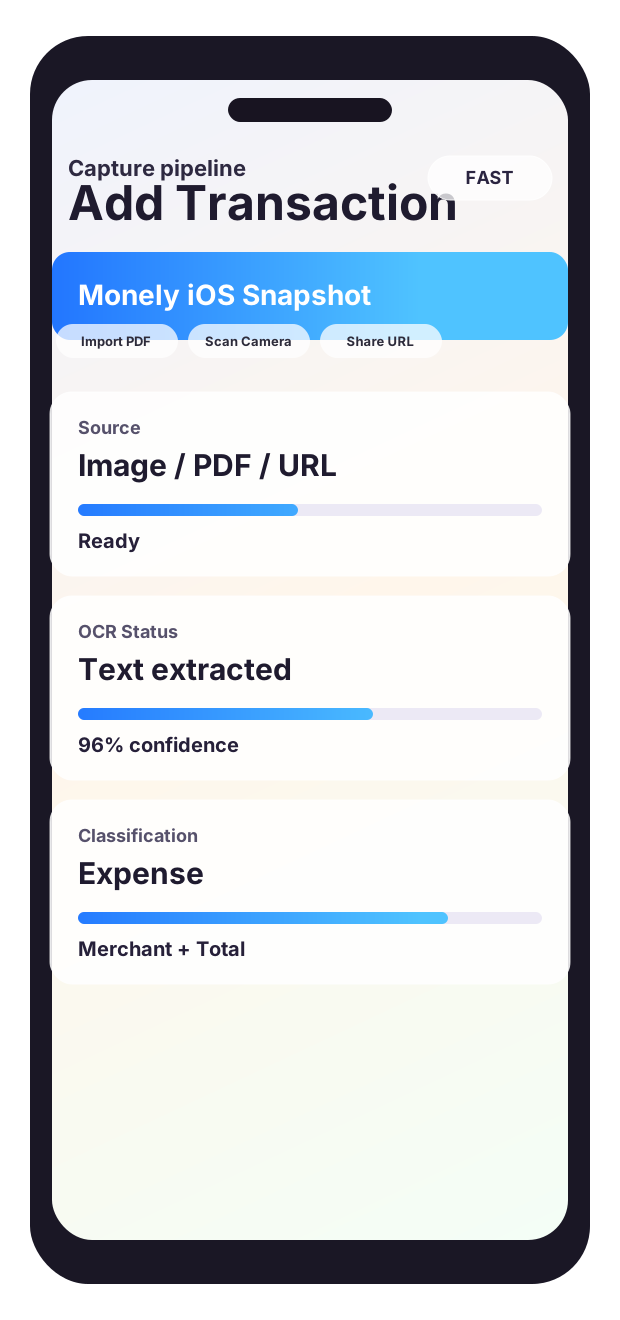
Receipt intake starts with the fastest option available in the moment: the camera, a saved photo, a screenshot, a PDF bill, or a manual entry when you want to type it in directly. That keeps capture friction low instead of forcing one rigid path.

  • Scan paper receipts directly on iPhone.
  • Import photos, screenshots, and PDFs into the same entry flow.
  • Switch to manual add when speed matters more than OCR.
Scan Receipt Import Photo Import PDF Manual Add
AI extraction

Turn raw receipt text into organized finance fields before it lands in the ledger.

Monely uses OCR and parsing to read merchant names, dates, totals, and currencies, then presents the result in a form the user can review. The goal is speed with verification, not invisible automation that hides the important details.

  • Extract merchant, date, total, currency, and category-ready values.
  • Keep the important fields visible before save.
  • Use AI analysis intentionally instead of as an always-on black box.
Merchant Date Total Category
Live ledger

Track spending in a workspace that stays readable at the month, day, and transaction level.

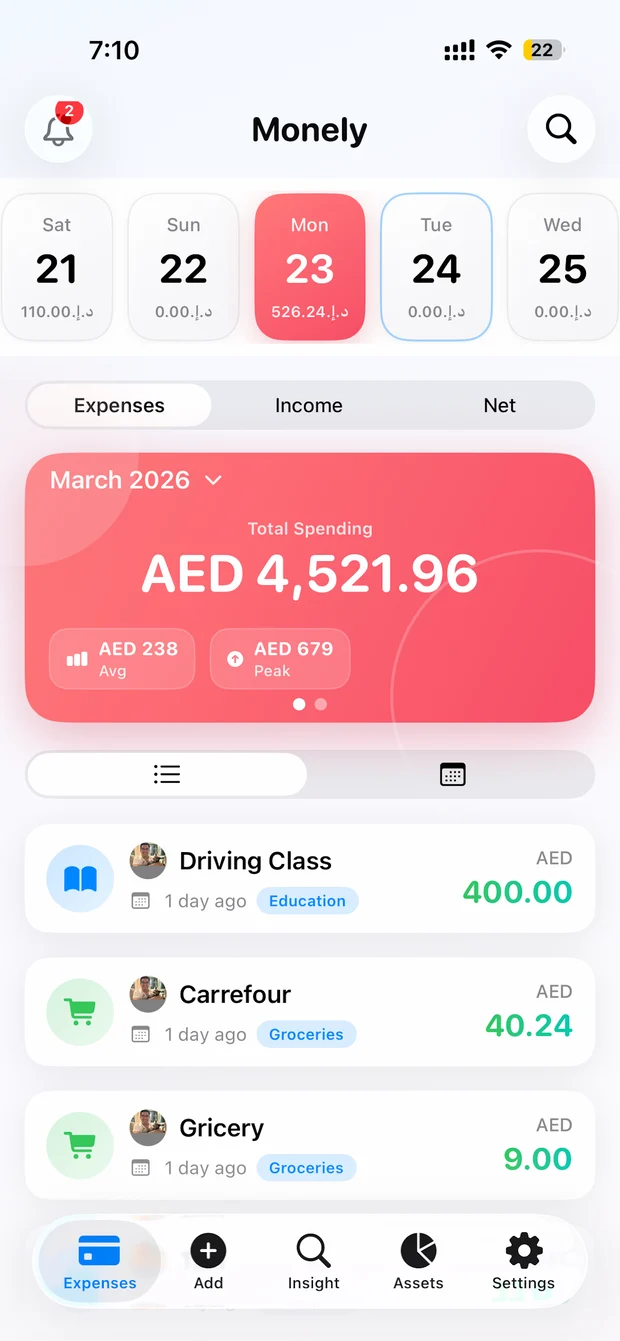
The main ledger is built for day-to-day finance review, not just data entry. Monely lets users move from month summaries into day-level activity and then into the underlying transactions without losing context.

  • See expense, income, and net summaries in one place.
  • Browse by calendar, month view, and transaction list.
  • Drill from totals into the entries behind them.
Month Summary Calendar Daily View Transactions
Reports and trends

Open the exact report that answers the question instead of one overloaded dashboard.

Monely separates financial reports into focused views such as month comparison, merchant price trends, and category movement. That makes it easier to understand what changed and then jump back to the entries responsible for the shift.

  • Compare categories month over month.
  • Inspect merchant movement and price trends.
  • Keep drill-down paths back to the supporting records.
Financial Reports Compare Months Merchant Trends
Subscriptions and bills

See recurring payments before they surprise the month.

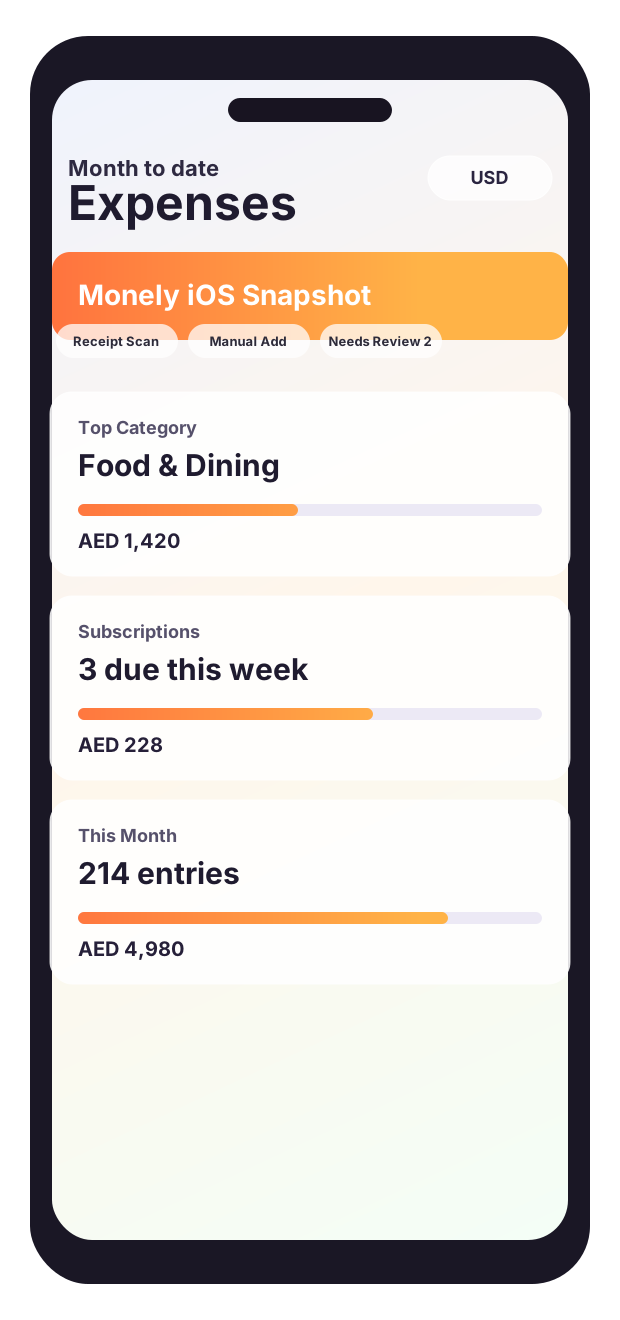
Recurring expenses are treated as a first-class workflow. Users can review due-soon bills, overdue payments, projected monthly subscription cost, and optimization views without piecing the picture together manually.

  • Surface due-soon and overdue recurring payments.
  • Track projected monthly subscription cost.
  • Spot opportunities to consolidate or cancel recurring spend.
Upcoming Bills Overdue Monthly Cost Optimization
Forecasting

Project future months so expense, income, and net are visible before they happen.

The forecast view extends Monely beyond history. Instead of only reporting what already happened, it shows projected financial movement so users can plan around recurring obligations and expected cash flow.

  • View projected expense, income, and net together.
  • Read multiple future months in one sequence.
  • Use recurring payment data to make the next months less ambiguous.
Projected Expense Projected Income Projected Net
Cards and accounts

Understand which payment sources are driving inflow, outflow, and net movement.

Cards and accounts are not just setup data. Monely uses them as reporting dimensions so users can see how each source is performing across the ledger and whether the underlying mix of accounts is changing.

  • Measure outflow and inflow by payment source.
  • See net movement per card or account.
  • Keep source performance tied to real transaction history.
Cards Accounts Inflow Outflow
Assets

Track portfolio value beside spending instead of in a disconnected tool.

Monely includes an asset workspace for cash, metals, stocks, commodities, and crypto with preferred-currency valuation. That keeps longer-term position and day-to-day spending inside one finance system with the same visual language.

  • Review total value in the user’s preferred currency.
  • Check allocation, holdings, and quote freshness.
  • Keep assets and expenses in one iPhone workflow.
Cash Stocks Crypto Allocation
Collaboration

Run personal, family, or team finance inside shared ledgers with visible membership and roles.

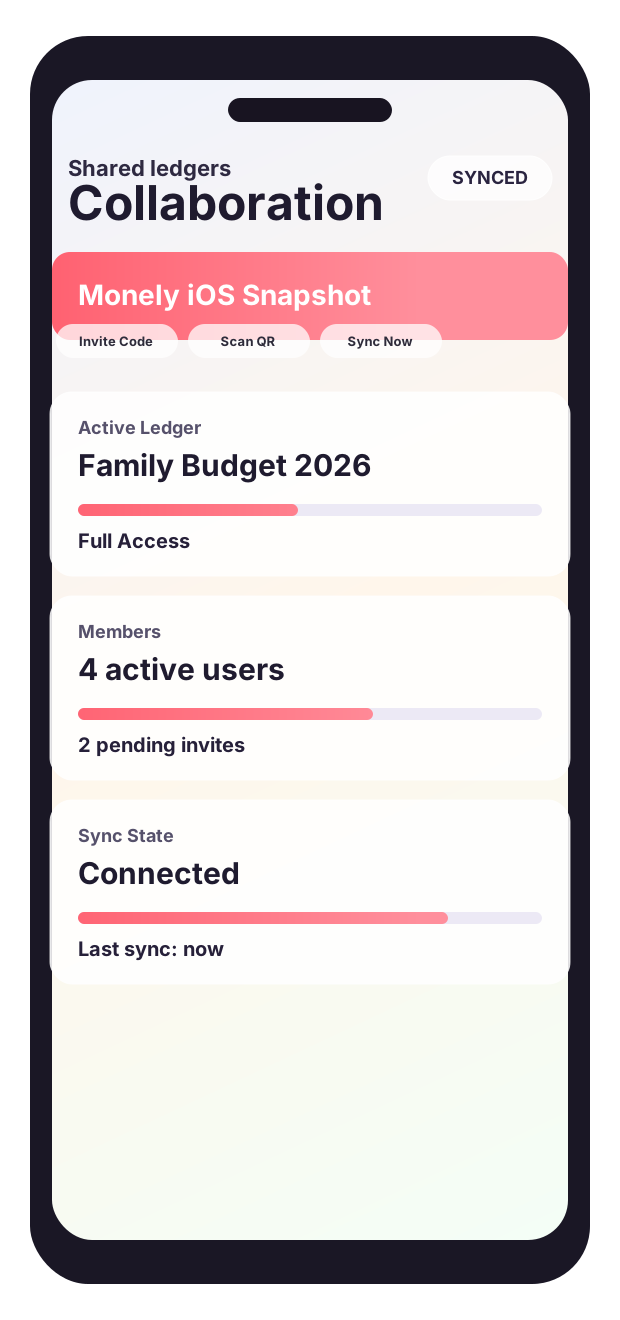
Monely supports multiple ledgers, active-ledger switching, invite codes, QR-based join flows, and member-aware reporting. The shared workflow is designed to keep context visible rather than flattening collaboration into a spreadsheet export.

  • Invite members with codes or QR-based join flows.
  • Switch between personal and shared ledgers cleanly.
  • Review collaborative spending with member-aware analytics.
Invite Code QR Join Roles Shared Reports
Control and trust

Adjust locale, protect access, and keep recovery options visible.

Trust features are part of the product surface, not hidden boilerplate. Monely gives users direct control over currency, language, security, backups, and restore paths so the finance workflow stays usable across households, regions, and devices.

  • Set currency, exchange-rate context, and language preferences.
  • Use Face ID or app lock to protect the finance workspace.
  • Create backups and restore data when needed.
Currency Language Face ID Backup
One connected workflow

Monely stays useful as finance work grows from quick capture into planning, investing, and shared ledgers.

The app is designed so daily entries, recurring bills, forecasts, assets, and collaboration stay connected instead of getting split across separate tools and disconnected reports.

Privacy and control

Local-first by default, explicit when data needs to move.

Monely treats finance data like finance data. Receipts and expense records are stored locally on the device by default. When a user asks for AI analysis, extracted receipt text can be sent to the configured analysis endpoint to produce structured results. Collaboration and live market data can also involve configured services when those features are enabled.

App lock

Face ID and app lock

Protect the finance workspace with biometric authentication so convenience does not replace control.

Backup

Backup and restore support

Create exportable backups, restore them when needed, and keep recovery paths visible instead of implied.

Markets

Freshness stays visible

Asset views surface pricing freshness rather than hiding it, which matters when market data is fetched from external providers.

Languages

Built for multilingual use

English, Spanish, Hindi, and Arabic support help Monely travel more naturally across households and teams.

Launch FAQ

Answers to the questions users and app-review pages usually need first.

This FAQ is designed to help both visitors and search engines understand what Monely does, how privacy works, and where support documentation lives.

Does Monely keep receipts and expense data on the device?

Yes. Monely stores receipts and finance records locally by default. Off-device transfer only happens when you intentionally use features such as AI analysis, collaboration, or live market data refresh.

When is AI used inside Monely?

AI is user-initiated. When you request analysis, extracted receipt text can be sent to the configured analysis endpoint to turn unstructured text into structured finance data.

Can I import PDFs, screenshots, and photos?

Yes. Monely supports scanning with the camera, importing saved images, and bringing in PDFs so receipts can enter the same capture pipeline from multiple sources.

What kinds of reports does the app include?

The app includes focused reports for monthly totals, category comparisons, financial forecasts, merchant or payment-source views, collaborative spending, and related drill-down flows.

Does Monely support shared finance?

Yes. The app supports shared ledgers, member-aware views, and collaboration flows intended for couples, families, or small teams that want one finance workspace.

Where should users go for privacy and support details?

Use the dedicated public pages linked from this site: the hosted privacy policy, the support page, and the terms and notices page.

Launch surface

Monely now presents the product, the trust model, and the public support paths on one clean domain.

Use the homepage to explain the app, then route users to privacy, support, and terms pages that stay consistent with the workflows described above.

Monely settings screen
Product Workflows mapped clearly
Trust Privacy, support, and terms
Control Local-first with visible safeguards
Access One clean public home for Monely